
List Crawling is the process of crawling through a predefined list of URLs or data points to gather structured data for analysis or presentation. It is an integral part of the process of web scraping and SEO, where bots or crawlers automatically scan through the web, search for specific content, and compile the necessary data. This process is typically automated using scripts or bots that follow the list of URLs provided and extract relevant data in a systematic way. This guide walks you through how it works, step by step, so you can run your first list crawl.
In SEO, Lists Crawling can help you gather key insights such as competitor information, backlinks, site performance, or keyword rankings. This helps digital marketers create more informed strategies based on actionable insights.
How List Crawling Works
The List Crawling process typically involves five steps: preparing the list, crawling the list, data extraction, storing data, and analysis or action. This guide walks you through how it works, step by step, so you can run your first list crawl.
The List Crawling process typically involves the following steps:
Preparing the List
The first step in Lists Crawling is creating a list of URLs or data points that you want the crawler to visit. This list can include any number of web pages, product listings, or other data sources.
Crawling the List
The crawler begins by visiting each URL on the list. It sends a request to the server hosting the URL and retrieves the HTML content of the page.
Data Extraction
Once the data is retrieved, the crawler parses the HTML and extracts the relevant information, such as text, images, videos, links, or other content specified in the list. Crawlers search for specific content and compile the necessary data in a systematic way.
Storing Data
After extracting the data, it is stored in a structured format such as CSV, JSON, or directly into a database for further processing. Once stored, the extracted data can be analyzed to uncover valuable insights.
Analysis or Action
The extracted data can now be analyzed to uncover valuable insights, or it can be used to automate actions like updating content, improving SEO rankings, or generating reports. In SEO, the insights gathered include competitor information, backlinks, site performance and keyword rankings.
Pros And Cons of List Crawling
List Crawling automates gathering large amounts of data from multiple sources, but it also has downsides such as legal restrictions and server strain. It reduces manual efforts required for gathering and organizing data, making the process faster and more cost-effective.
When to Use List Crawling?
List Crawling is an ideal solution in situations where you need to collect data from specific and structured sources regularly.
Use List Crawling when you want to track competitors, monitor prices or stock, collect real-time data, run SEO audits or extract data at large scale.
Use Lists Crawling when:
Best Practices for List Crawling
To get the most out of List Crawling, follow several best practices that ensure efficiency and compliance, including respecting robots.txt, rate limiting and filtering duplicate data. These best practices will help you optimize your List Crawl efforts and achieve better results in your data collection efforts.

To get the most out of Lists Crawling, it’s essential to follow several best practices that ensure efficiency, accuracy, and compliance with ethical guidelines. These best practices will help you avoid common pitfalls, optimize your List Crawl efforts. And achieve better results in your data collection process.
Respect Robots.txt
Before starting any List Crawling project, it’s important to check the website’s robots.txt file. This file outlines which parts of the site are allowed to be crawled and which parts are restricted. Ignoring these rules could lead to legal complications and might cause your List Crawl to be blocked.
Use Rate Limiting
One of the most important practices in List Crawling is the use of rate limiting. Websites can be overwhelmed by too many requests in a short period, which could result in server crashes or your List Crawl being blocked. To prevent this, you should limit the number of requests your crawler sends to a server within a specific time frame.
Monitor Your Crawlers
Regularly monitoring your List Crawling process is essential for ensuring that the data being collected is accurate, up-to-date, and useful. By tracking the performance and progress of your List Crawl, you can identify issues such as missing or incorrect data, failures in the crawling process, or performance bottlenecks.
Focus on Quality, Not Quantity
When performing List Crawling, it’s easy to focus on collecting as much data as possible. However, it’s important to prioritize quality over quantity. Instead of crawling a large number of URLs indiscriminately, focus on the most valuable and relevant data sources.
Filter Duplicate Data
During the List Crawling process, it’s common to encounter duplicate data. This redundancy can waste storage space and complicate data analysis. To ensure your List Crawl remains efficient, implement strategies that detect and remove duplicate data, either during the crawl or after the data has been collected.
List Crawling vs. Web Scraping
List Crawling is often confused with web scraping, but there are key differences in focus, control and legal risk. List Crawling is focused on crawling a pre-defined list of URLs, whereas web scraping involves extracting data from entire websites or multiple pages without a specific list.
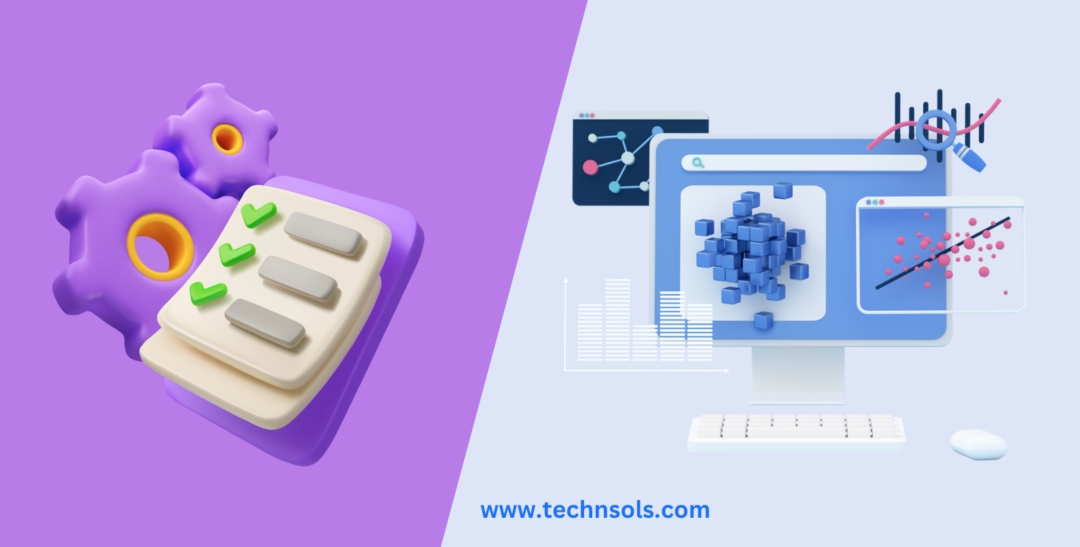
List Crawling is often confused with web scraping, but there are key differences:
- List Crawling is focused on crawling a pre-defined list of URLs, whereas web scraping involves extracting data from entire websites or multiple pages without a specific list.
- List Crawling helps more control over which pages are crawled. While web scraping is more versatile in terms of data extraction across various sites.
- Both methods have potential legal implications, but List Crawling usually operates within a more structured. Whereas web scraping might inadvertently breach terms of service.
Tools for List Crawling
Several tools can assist in Lists Crawling: The tools covered here are Screaming Frog SEO Spider, Scrapy, Octoparse and ParseHub.
| Screaming Frog SEO Spider | A popular tool for crawling websites, analyzing SEO data, and extracting valuable insights. |
| Scrapy | A Python framework for building web scrapers that can handle large-scale crawling projects. |
| Octoparse | A powerful web scraping tool with a user-friendly interface and the ability to extract data from structured lists. |
| ParseHub | A tool that can handle dynamic websites, making it ideal for more complex List Crawling tasks. |
Advanced Techniques for List Crawling
There are several advanced techniques that can further enhance your crawling efficiency and data quality. These techniques are particularly useful when dealing with large websites, complex data structures, or dynamic content.
One advanced technique is dynamic content crawling, which involves extracting data from pages that are generated through JavaScript. Also, Many modern websites rely on JavaScript to load their content, making it difficult for traditional crawlers. Tools like Puppeteer or Selenium can simulate user interactions and helps crawlers to handle JavaScript-heavy websites.
Frequently Asked Questions (FAQs)
The questions below cover the legality of List Crawling, avoiding IP bans, the best tools, how often to crawl, and storing and processing the collected data.
Is List Crawling legal?
List Crawling sits in a legal grey area: respecting robots.txt and a site’s terms of service reduces risk, but it does not make scraping automatically legal. The rules depend on your jurisdiction, whether you collect personal data, and whether you bypass access controls. Get legal advice before crawling at scale.
How can I prevent my IP from being banned during crawling?
Use proxies, rate limiting, and randomize your crawl requests to avoid triggering anti-bot measures.
Can List Crawling be used for competitor analysis?
Yes, List Crawling is widely used for competitor analysis. By crawling competitors’ websites, you can gather information on their content, product listings, pricing strategies, and SEO efforts, providing you with valuable insights.
What tools are best for List Crawling?
Popular tools for List Crawling include Screaming Frog SEO Spider, Scrapy, Octoparse, and ParseHub. The best tool depends on your project’s size, the complexity of data you need, and whether you require coding or a no-code solution.
How often should I perform a List Crawl?
The frequency of a List Crawl depends on the type of data you’re gathering. For competitive monitoring or SEO tracking, a weekly or monthly crawl might be enough, while real-time data collection (like price monitoring) may require more frequent crawling.
Can I filter out duplicate data during the crawl?
Yes, most List Crawling tools allow you to filter out duplicate data either during the crawl process or after the data has been collected. Using algorithms to detect duplicates can help ensure the accuracy of your results.
How do I store and process the data collected from List Crawling?
The data collected from List Crawling is usually stored in structured formats like CSV, JSON, or directly into databases. From there, you can process the data using tools like Excel, Google Sheets, or data analysis software to analyze and visualize the information.
Final Thoughts
List Crawling is a useful technique for data collection, competitor analysis and SEO. Start small, respect robots.txt, and get legal advice before crawling at scale.


