With local SEO strategies becoming more important, the Local SEO Rapid URL Indexer has gained prominence as a powerful tool to expedite the indexing process. As a website owner or digital marketer, I’ve personally seen the importance of indexing URLs quickly for improved search engine rankings and local business visibility.
In this comprehensive guide, I will walk you through everything you need to know about Local SEO Rapid URL Indexer, its pros and cons, and how it can benefit your online presence.
What is a Local SEO Rapid URL Indexer?

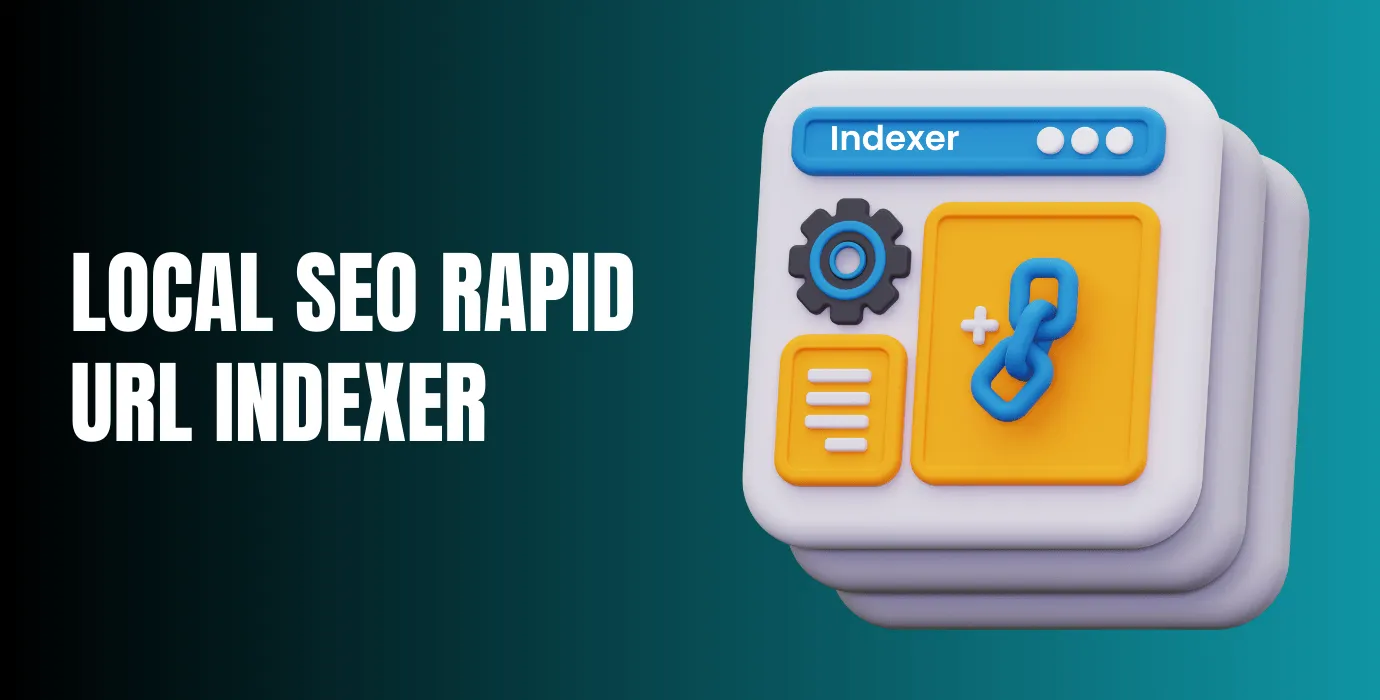
A Local SEO Rapid URL Indexer is a tool or service designed to help businesses get their URLs indexed by search engines at a much faster rate compared to traditional methods. In the world of local SEO, quick indexing is particularly crucial, as local businesses rely heavily on search engines to attract customers within their geographical area. By submitting URLs to a Local SEO Rapid URL Indexer, businesses can ensure that their content is discovered quickly, thus increasing the chances of ranking higher in local search results.
Why URL Indexing is Crucial for Local SEO
Incorporating rapid URL indexing into your local SEO strategy helps search engines identify and prioritize your content quickly. As more businesses understand the importance of being visible in local searches, search engines like Google are becoming more efficient in indexing local content. However, while these engines are working tirelessly, there are still delays in indexing.
Here’s where the Local SEO Rapid URL Indexer becomes indispensable. Also, It Helps your newly published pages or updated content to get crawled by search engines without waiting for days. For instance, if you’ve recently updated your business hours or launched a special promotion, the faster your URLs get indexed, the quicker your customers will find your business.
How Does a Local SEO Rapid URL Indexer Work?

The Local SEO Rapid URL Indexer works by submitting your website URLs to various search engines and directories. These tools try to draw search engines’ attention to your URLs faster, for example through pings, feeds and links from other pages, but they cannot force Google to crawl or index a page. Indexing is never guaranteed; the only official way to ask Google to consider your own URL is Google Search Console’s Request Indexing feature. This method is mainly useful for businesses that want new pages found sooner in local search results.
The Role of Local SEO in Today’s Digital Market
As local SEO continues to gain importance, businesses are focusing more on strategies to enhance their visibility in local search results. According to a Google representative speaking in 2018, around 46% of Google searches have local intent. This is an old figure, but still the most widely cited estimate, as Google has not published a newer one. This means that users are actively searching for businesses, services, and products close to them. Given these statistics, it’s critical for businesses to ensure their website is indexed quickly for location-specific keywords, which will give them a competitive edge in local search rankings.
Benefits of Using Local SEO Rapid URL Indexer
The benefits of using a Local SEO Rapid URL Indexer are clearly outlined below. Also, To speeding up the indexing process, this tool significantly boosts your website’s local SEO performance by ensuring faster visibility in search results.
Benefits Of Local SEO Rapid URL Indexer
Drawbacks of Local SEO Rapid URL Indexer
How to Use Local SEO Rapid URL Indexer Effectively

Step 1: Choose the Right Tool
It’s important to choose a reliable Rapid URL Indexer that suits your needs. Also, I recommend reading customer reviews and comparing different options to find the best fit. For your own pages, the official route is Google Search Console‘s URL Inspection tool. Use Request Indexing to ask Google to consider a new or changed URL. It is free, but it still cannot guarantee indexing.
Step 2: Submit URLs
After selecting your tool, simply submit your URLs. Depending on the tool, you may be able to submit multiple URLs at once.
Step 3: Monitor the Process
Once you submit your URLs, keep track of the indexing process. You’ll want to monitor whether there are any issues and check how quickly your pages are getting indexed.
Step 4: Optimize Content
Even with a rapid URL indexer, content optimization remains essential. Ensure your website is filled with valuable, high-quality content that targets local SEO keywords.
Step 5: Analyze Results
After your URLs are indexed, use analytics to measure how well your pages are performing. This data will help you refine your SEO strategy for better results.

Best Practices for Using Local SEO Rapid URL Indexer
Frequently Asked Questions (FAQs)
What is the best Local SEO Rapid URL Indexer?
For your own pages, use Google Search Console’s URL Inspection tool to request indexing. It is free and official. Third-party indexing services exist for backlinks, but they cannot guarantee indexing; check that any service you consider is still operating and publishes current pricing before paying.
Does Local SEO Rapid URL Indexer guarantee higher rankings?
While it helps speed up the indexing process, it does not guarantee higher rankings. SEO is a long-term strategy that involves content quality, backlinks, and other factors.
Can Local SEO Rapid URL Indexer work for global SEO?
Yes, these tools can be used for global SEO, but they are especially useful for local SEO since they help your website appear faster in location-based searches.
How often should I use a Local SEO Rapid URL Indexer?
It’s best to use a Local SEO Rapid URL Indexer sparingly and only when you have new content or updates that need to be indexed quickly. Using an indexer too often wastes money and effort, and submitting the same URLs repeatedly adds nothing. Once a URL is submitted, resubmitting it does not speed anything up.
Final Thoughts
A rapid URL indexer can help your local pages get discovered sooner, but it cannot guarantee indexing. For your own pages, Google Search Console’s Request Indexing is the official route.